How to Fix CloudStream No Links Found/Not Loading Issues?
Cloudstream is one of the most sought-after ad-free streaming applications. The app provides you with non-stop entertainment to its users without asking for any kind of subscription fee. It lets you access all its content for free and doesn’t hassle you with ads to make your streaming experience. It has the largest content library among all streaming apps. You can watch any kind of movie, TV show, and Live TV on it anytime you want from any place.
If you’re a CloudStream user, you already know how amazing this streaming app is for watching movies, TV shows, anime, and web series for free. However, like any other streaming platform, CloudStream sometimes faces technical glitches. One of the most common problems users encounter is the “No Links Found” or “Not Loading” error.
Don’t worry, this issue is quite common and can be fixed easily. In this guide, we’ll explain why CloudStream stops working, what causes the “no links found” error, and how you can fix it step by step.
Why CloudStream is Not Working?
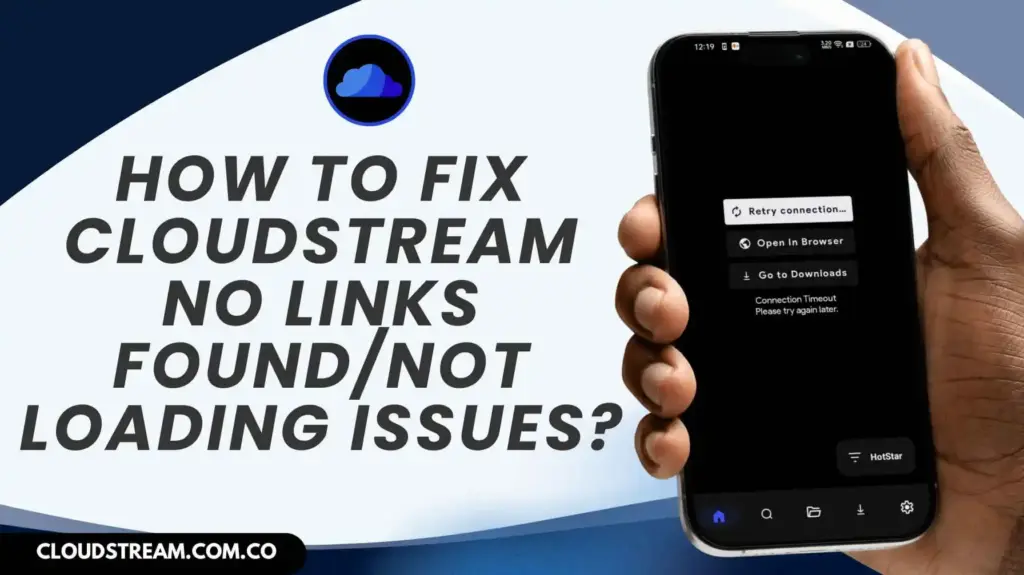
When CloudStream doesn’t load content or shows “No Links Found,” it means the app is unable to fetch streaming links from its connected extensions or repositories. This problem is usually caused by one of the following reasons:
1. Using an Outdated Version: You may be using the outdated version of the CloudStream app, as due to which you aren’t able to get access to the CloudStream content. Update your APK to the latest version to work smoothly on your device. You can go to the cloudstream.com.co website of the APK to download the updated version of the APK or you can visit the link below.
2. Improper Configuration: Sometimes you may find the links to repositories wrong or expired, due to which the video might not play. Improper configuration generally happens when the settings of a system are connected incorrectly, which causes it to work in a faulty way. This usually happens due to wrong source URLs, or you are using an old version of the app.
3. Regional Restrictions: Another time, you may have to face regional restrictions due to which you cannot access the content as it is not available in your geographical region. This happens when content is censored by the geographical region.
4. Corrupted Cache Files: These are the data which are damaged or you can also define it as incomplete temporary data that CloudStream saves to make playback faster. Along the time, these files become corrupted and cluttered due to which you may get slow network, app crashes or interrupted downloads.
5. Unstable Internet Connection: One of the most common problems while streaming is unstable internet connection. This problem mainly occurs when you are connected to the same Wi-Fi, along with other devices. This slows your internet speed. Another reason could be high internet traffic due to which your playback might suffer.
Effective Solutions to Fix the Cloudstream Not Working Problem?
Here are several working solutions to fix CloudStream when it stops loading or shows no streaming links. Follow these to solve your problem.
FAQs
Conclusion
After all the tips and tricks if CloudStream still doesn’t work then you have to change your device as it longer supports CloudStream. Getting a backup of your CloudStream data helps to prevent the loss of your data. It helps you with finding your preferred extensions and sources that you think are better to stream. The APK provides user with premium content without charging any money.
However sometimes user may face these problems due to various factors which results in the troubleshooting guide being made for CloudStream. In future if you face any kind of above-mentioned problems, you can always use the tricks and tips to tackle the problems.