How CloudStream Works: Easy Guide to Watch Free Movies
In a time where entertainment is mostly locked behind subscriptions, many users are looking for smarter and more flexible ways to watch their favorite content. Streaming platforms have made movies and shows easily accessible, but the growing number of paid services has also made entertainment more expensive than ever. This is where apps like CloudStream come into the picture, offering a completely different approach to streaming.
CloudStream is not just another free app filled with ads and broken links. Instead, it is built with a simple idea — give users control over how they watch content. Rather than hosting movies itself, the app connects to multiple sources through a system of extensions, allowing users to access a wide range of content in one place. This unique method makes CloudStream lightweight, fast, and highly customizable.
What makes CloudStream interesting is how it combines simplicity with powerful features. Once set up correctly, it provides a smooth, ad-free streaming experience that feels surprisingly premium. In this guide, we will explore how CloudStream works, what makes it different, and how you can use it step by step to watch free movies easily and efficiently.
What Is CloudStream?
CloudStream is an open-source streaming application designed mainly for Android devices, Android TV, and Firestick. It acts as a streaming aggregator, meaning it gathers video links from different online sources through add-ons called extensions.
The app itself is lightweight and does not contain movies or shows directly. Instead, it depends on repositories and extensions to fetch streaming links when you search for a movie or series. This system makes CloudStream flexible and customizable.
How CloudStream Actually Works
To understand how CloudStream works, let’s break it into simple steps:
1. The App Interface
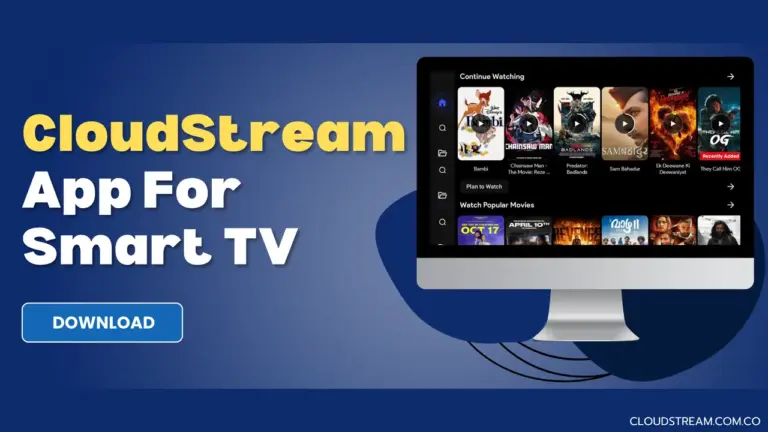
When you open CloudStream, you see a clean homepage with categories, a search bar, and navigation options. However, without extensions, the app will not show content links.
2. Repositories
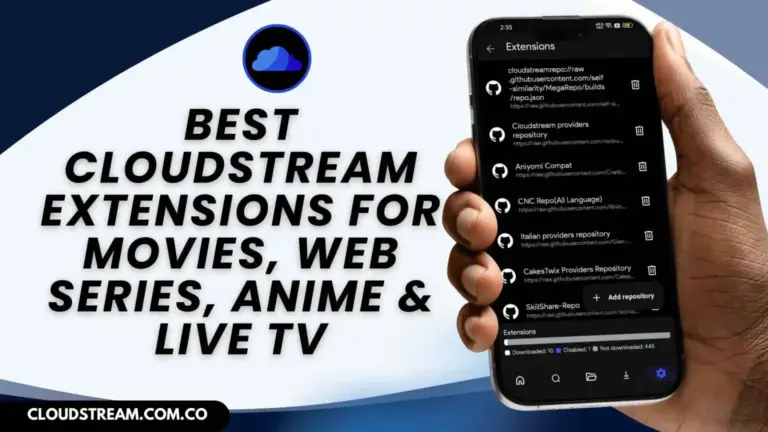
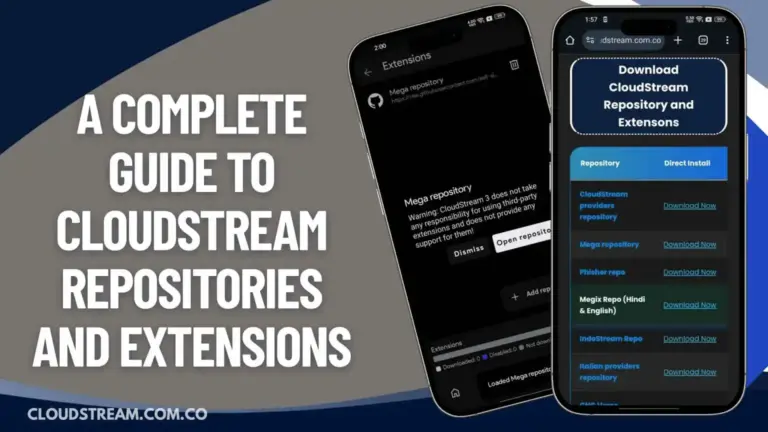
Repositories are like libraries that contain different extensions. You first install a repository inside the app. Once added, it allows you to download extensions.
3. Extensions
Extensions are the main working part of CloudStream. These extensions connect to various online sources and fetch available streaming links for movies and shows.
4. Fetching Streaming Links
When you search for a movie, the extension scans its connected sources and collects available links. The app then displays these links for you to choose from.
5. Video Playback
After selecting a link, CloudStream plays the video using its built-in player or an external player, depending on your settings.
This system allows CloudStream to provide a wide variety of content without directly hosting anything.
Step-by-Step Guide to Use CloudStream to Watch Free Movies
1. First, download and install the latest version of CloudStream on your device, making sure you enable installation from unknown sources in your settings so the app can be installed without any issues or restrictions.
2. After installing the app, open CloudStream and go to the Settings section, where you need to find the repositories option and add a trusted repository link to access extensions that provide streaming content.
3. Once the repository is added successfully, open it and browse through the available extensions, then download and install the ones you prefer so the app can fetch streaming links for movies and shows.
4. Now return to the CloudStream home screen and tap on the floating button labeled “None,” then select any of the installed extensions to activate it and load available content inside the app.
5. Use the search bar on the homepage to type the name of the movie you want to watch, then select the correct result from the list displayed on your screen.
6. After opening the movie page, choose a working streaming link from the available options, then tap the play button and wait a few seconds for the video to start playing smoothly.
7. If one link does not work properly, try selecting another available link or lower the video quality to avoid buffering and ensure a smoother streaming experience.
Why CloudStream Is Different
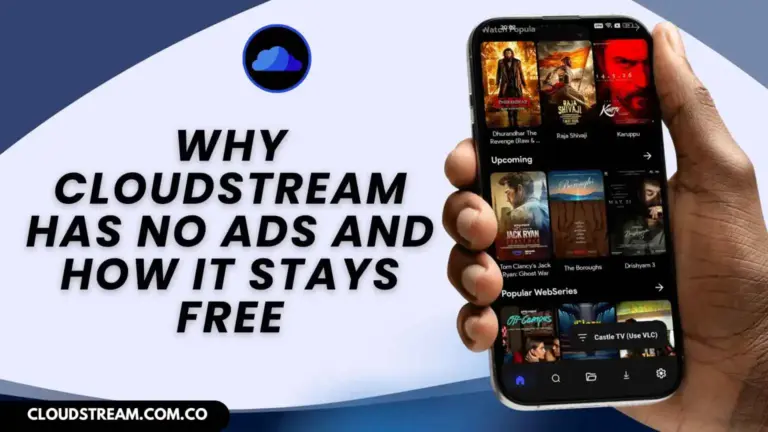
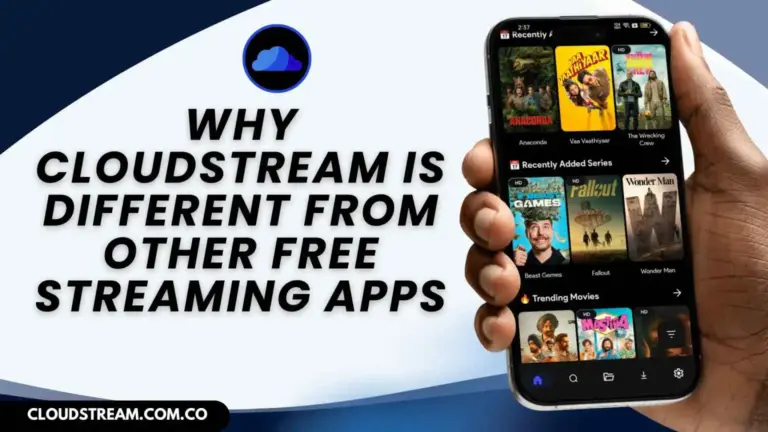
CloudStream is different from most free streaming apps because it focuses on simplicity, performance, and user control instead of ads and restrictions. Unlike typical apps that come filled with pop-ups and limited content, CloudStream offers a clean, ad-free interface that feels smooth and easy to use. It does not host content directly but uses extensions to fetch streaming links from multiple sources, giving users access to a wider variety of movies, shows, and anime in one place.
Another major difference is its customization. Users can choose their preferred extensions, adjust playback settings, and even use external video players for better performance. This level of flexibility is rarely seen in free apps. CloudStream also runs efficiently on different devices without slowing them down. Overall, it provides a premium-like experience without charging any money, making it stand out from other free streaming platforms.
Is CloudStream Easy to Use?
Yes, CloudStream is beginner-friendly once you understand repositories and extensions. The setup may seem confusing at first, but after installing extensions, the app works smoothly. Its clean interface makes navigation simple, even for new users.
Conclusion
CloudStream works by combining a lightweight app, repositories, and extensions to fetch streaming links from different sources. It does not host content directly but acts as a bridge between users and available streams.
By following the proper setup steps and keeping extensions updated, you can enjoy watching free movies and shows easily. With no subscription fees and no ads, CloudStream provides a flexible and powerful streaming experience.